Common questions
Car fireplace app FAQ
Answers for drivers comparing Android Automotive fireplace apps,
Polestar and Volvo installs, and
virtual fireplace options while charging.
What is the best car fireplace app for Android Automotive OS?
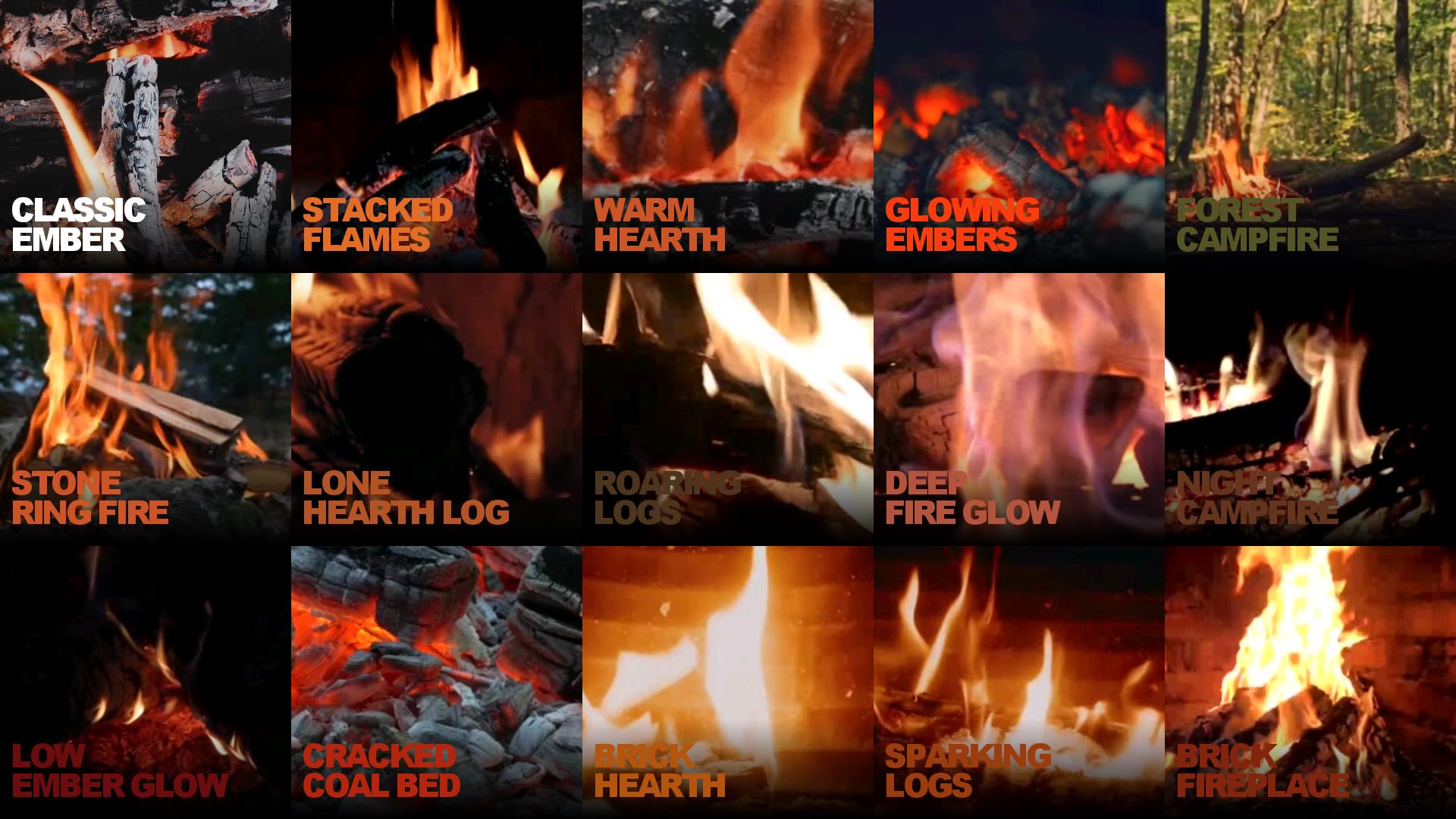
For Google built-in vehicles, LUXURY FIREPLACE is built for modern AAOS cockpits
with sixteen HD scenes, true fullscreen layouts, 5.1 audio, cabin brightness and
volume controls, and rotary dial support. Car Fireplace is a simpler novelty app
with a smaller catalog and AAOS-only positioning.
Is LUXURY FIREPLACE a good Car Fireplace alternative?
Yes — especially if you want more than one looping fire, better fit on large EV
displays, Android Auto and Android TV support, and Premium HD packs with offline
playback after download.
Does it work on Polestar, Volvo, Cadillac, and other Google built-in cars?
Install from Google Play on the vehicle head unit when Google built-in is available.
LUXURY FIREPLACE supports Polestar, Volvo EX30/EX90, GM Ultium EVs, Cadillac Lyriq,
Honda Prologue, Renault E-Tech, Ford Explorer 2025+, Lincoln, Nissan Rogue, and more.
Can I use a virtual fireplace while my EV is charging?
Yes — parked and charging is the intended use. Use only when safe and legal; not while
driving. LUXURY FIREPLACE is optimized for long sessions with multiple scenes and cabin
controls so the ambience stays comfortable through the whole charge.
Which app has better crackling fire audio in the car?
Both apps play fireplace sound in the cabin. LUXURY FIREPLACE adds an immersive 5.1
surround mix and in-app mute, designed for vehicles with multi-speaker layouts.
Is Premium required?
No. LUXURY FIREPLACE is free to install with two scenes included. Premium unlocks all
sixteen HD fireplaces, 5.1 audio, offline packs, and an ad-free experience via Google
Play subscription or one-time purchase.